Sunday, May 25, 2014

Michael Cera Stencil Project


 For my first sketchbook of collage techniques, I made a stencil portrait of Michael Cera featuring a quote from the movie "Scott Pilgrim vs. The World." For the background of this sketchbook, I put torn pieces of newspaper on a canvas using glue, and then painted the canvas with a light blue wash. I next cut out my Michael Cera stencil and spraypainted it on my canvas with a red and yellow gradient. After that, I drew on my quote and went over the pencil markings with acrylic paint. I drybrushed black acrylic paint onto the background of the canvas, and in the stencil to make it look more three dimensional.

Monday, March 24, 2014

Multimedia Project


This is my multimedia project. The background is an abstract painting of shapes done in acrylic. I painted a spraypaint can and a wasp on watercolor paper using acrylic paint also. After I had finished painting the spraypaint can and the wasp, I cut them out and glued them onto my canvas. Finally, I made a stencil that says "XLIN" and spraypainted it on the top of my canvas. This was my first multimedia project and I enjoyed it because it was fun to use a variety of techniques in one painting.

Stencil Project #1


This is my first stencil project. First, I painted my background a yellow gradient with acrylic paint. Then, I cut out stencils of a bass guitar, a sparrow and paintbrushes with an X-acto knife. After I cut out all the pieces for my stencils, I glued them down to my canvas with a gluestick and spraypainted the stencils. Afterwards, I removed the stencil pieces with the X-acto knife. This was a challenging project for me because I found that it was hard to get all the stencil pieces to stay firmly attached to the canvas so that the spraypaint wouldn't leak out the sides of the stencil and create a messy edge.

3rd Quarter Sketchbook Set #1


This is my first sketchbook set of the third quarter. Three of these are done in ink and one is in pencil. For the ink drawings, I first sketched the picture in pencil, then went back in with microns and added shading and different line weights. 

Sunday, March 23, 2014

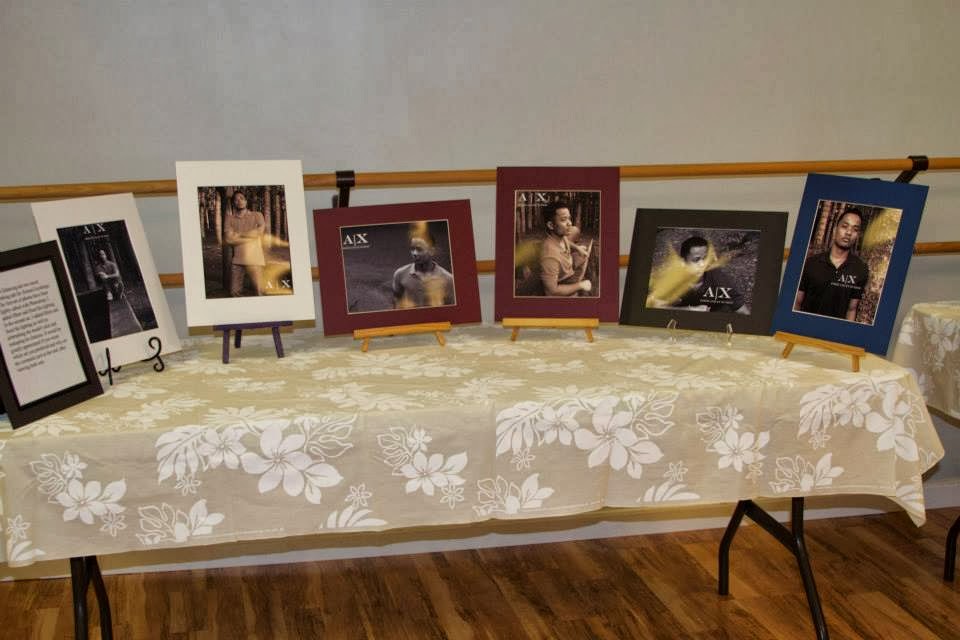
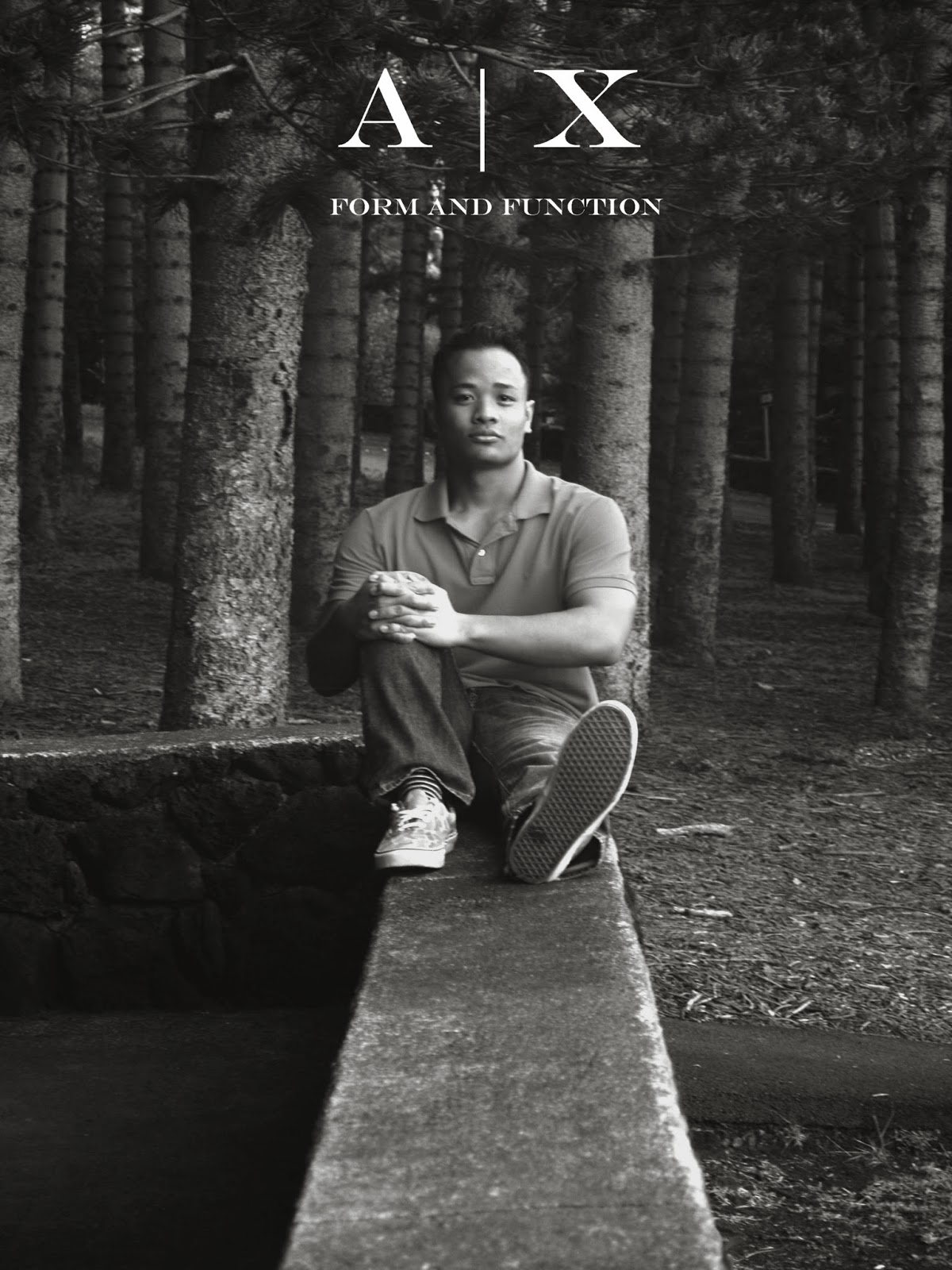
Senior Project Photo Display


On January 25th, I had an event to display the photos I took for my senior project. For my senior project, I learned digital photography and the basics of photo editing using Photoshop. I also researched how companies' use of Photoshop on models in advertisements effects people's self esteem. For my product, I created a mock clothing ad for Armani Exchange. I used two different models and had them do the same 8 poses. I only changed the lighting levels and converted my first model's photos to sepia or black and white, but in my second model's photos, I did these things as well as reshaping his features, and airbrushing his skin- things that many advertisers do to their models in ads. Accompanying my photos was a survey asking my audience which set of photos they preferred and why, so I could gain insight on the effect that Photoshopped models has on people. 

Tuesday, January 28, 2014

Self Portrait

This is a monochromatic self portrait done in acrylic. I used purple paint and tinted and shaded it with black and white to get different values. This portrait was a challenge for me because the reference picture I used did not have very distinctive highlights or shadows in it, so it was hard for me to get the painting to look three-dimensional.

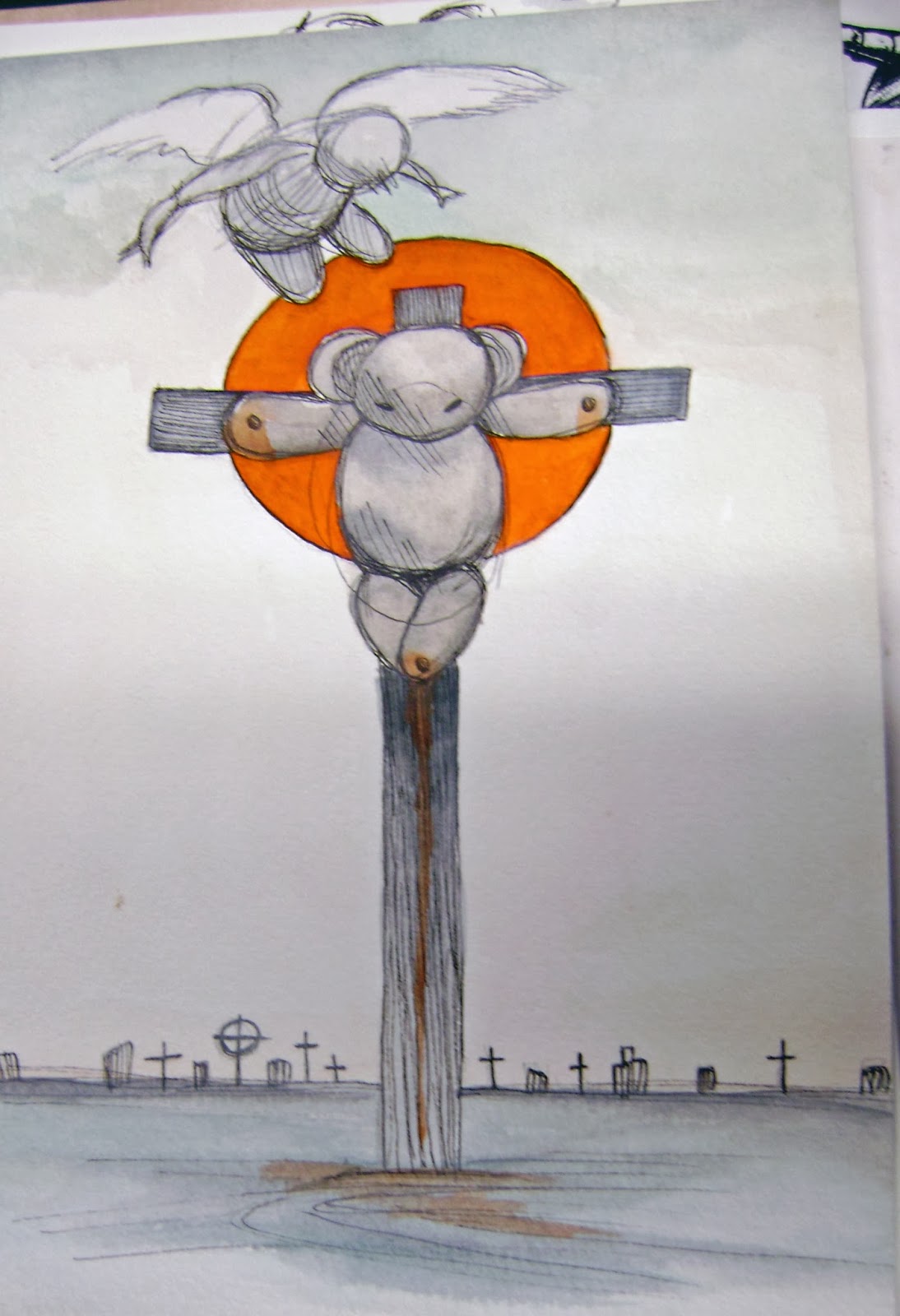
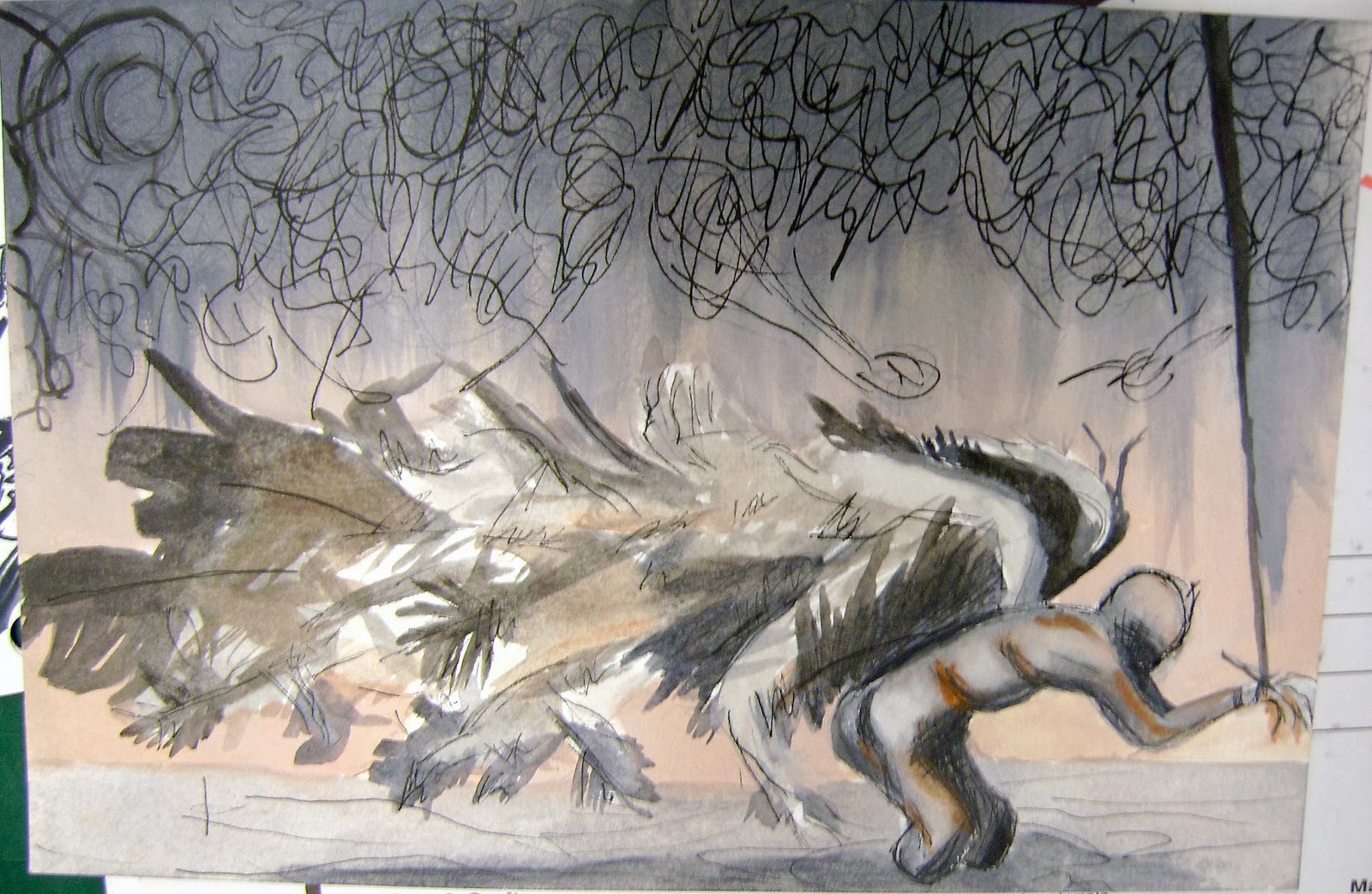
Derek Hess Sketchbooks


These sketchbooks were done in preparation for my Derek Hess project. All of these sketchbook assignments were done in a combination of ink and watercolor. Each sketchbook was done on a 9 by 6 inch piece of watercolor paper. The linework done in ink was challenging for me, especially since a lot of his drawings are gestural. For these sketchbooks, I drew the pictures with pencil, drew in the line work with microns, erased my pencil markings with a kneaded eraser, and then painted the drawings with watercolors.